FlowUI Documentation
FlowUI is a Go desktop UI framework and component library built on Gio. It combines a typed MVU application model with reusable components, declarative styles, window management, asynchronous effects, and deterministic UI tests.
Reading path
| Order | Page | What it covers |
|---|---|---|
| 1 | Getting started | Install and run your first window |
| 2 | Core concepts | Model, messages, keys, and ownership |
| 3 | MVU and messages | Update, View, Cmd, and subscriptions |
| 4 | Layout | Containers, constraints, and grids |
| 5 | Styling and themes | Tokens, parts, states, and fonts |
| 6 | Components | Public component families |
| 7 | Forms and controlled state | Inputs, selection, and open state |
| 8 | Commands and subscriptions | Effects, cancellation, and errors |
| 9 | Overlays and popups | Menus, popovers, modals, and portals |
| 10 | Custom components | Composition and custom layout |
| 11 | Multiple windows | Application lifecycle and window state |
| 12 | Animation | Transitions, tweens, springs, and timelines |
| 13 | Testing | Harness and application tests |
| 14 | FAQ | Common questions and troubleshooting |
| 15 | Gantt chart | Tasks, dependencies, and editing |
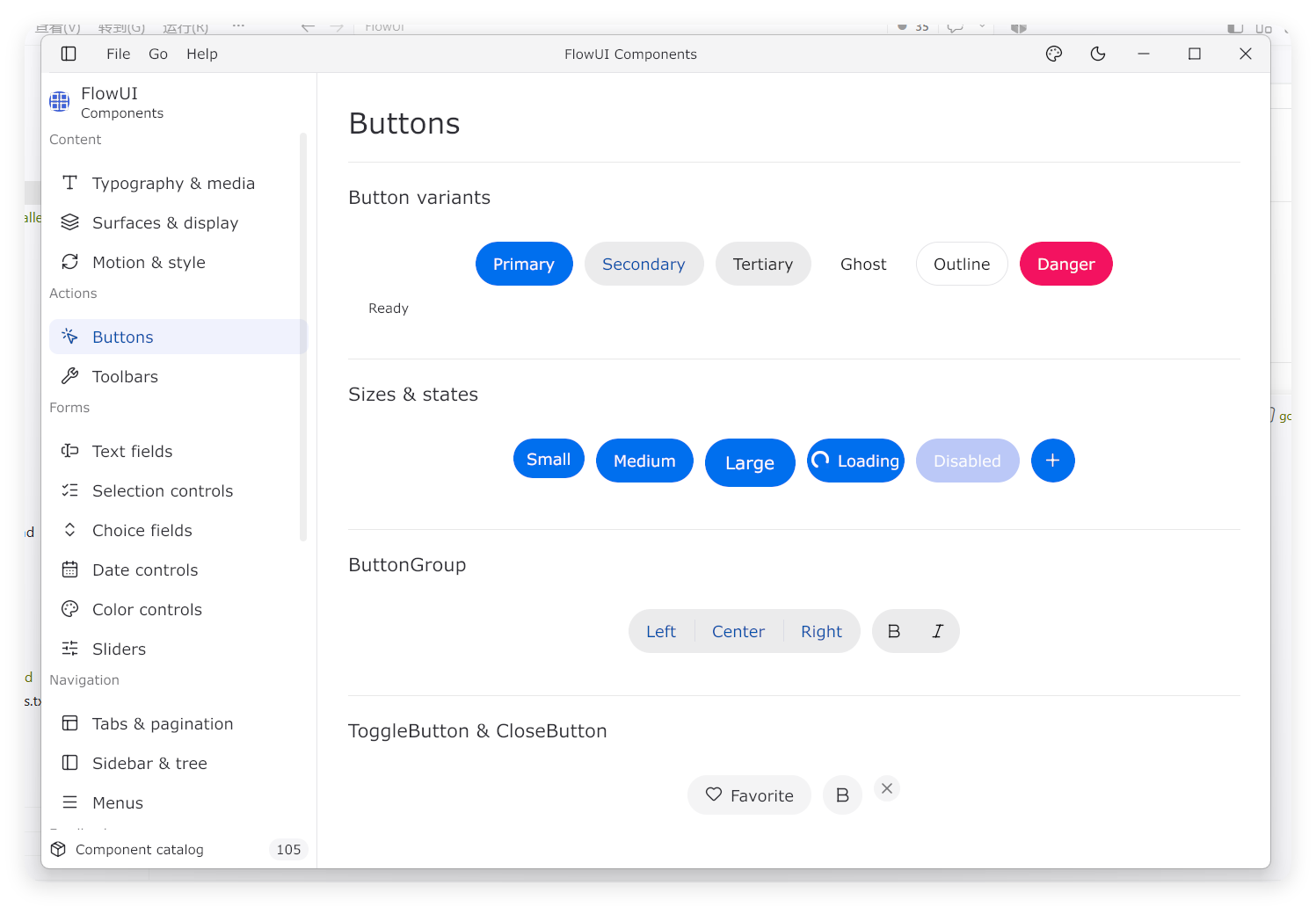
| 16 | Component screenshots | Visual reference for the components |
| 17 | Node graph | Nodes, ports, edges, and a controlled viewport |
Repository map
| Purpose | Location |
|---|---|
| MVU and runtime | github.com/qianniancn/flowui/ui |
| Official components | github.com/qianniancn/flowui/widget/<component> |
| Layout | github.com/qianniancn/flowui/layout |
| Style declarations | github.com/qianniancn/flowui/style |
| Default theme | github.com/qianniancn/flowui/theme: theme.Light() / theme.Dark() |
| Theme contracts and extensions | github.com/qianniancn/flowui/theme; see external themes and migration |
| Low-level drawing | github.com/qianniancn/flowui/draw |
| Animation primitives | github.com/qianniancn/flowui/animation |
| Window configuration | github.com/qianniancn/flowui/window |
| Deterministic tests | github.com/qianniancn/flowui/uitest |
| Go API reference | pkg.go.dev |
The guide targets application developers and uses the public ui, widget/<component>,
layout, style, draw, and window packages. The internal/ tree is
implementation detail. Runnable examples live under examples/ and share the
root go.mod with the framework. Run them from the repository root, for example
with go run ./examples/buttons.
Current versions
The root go.mod specifies the minimum Go version and current Gio dependency.
The single-window entry
point is ui.Run(Program); use ui.Application when the process owns multiple
windows or a longer lifecycle.